IP lookup is useful
when you know what to read
Most people open an IP lookup page, see a lot of fields, and still do not know what matters. This guide explains the common data points in plain English and shows how to read them quickly.
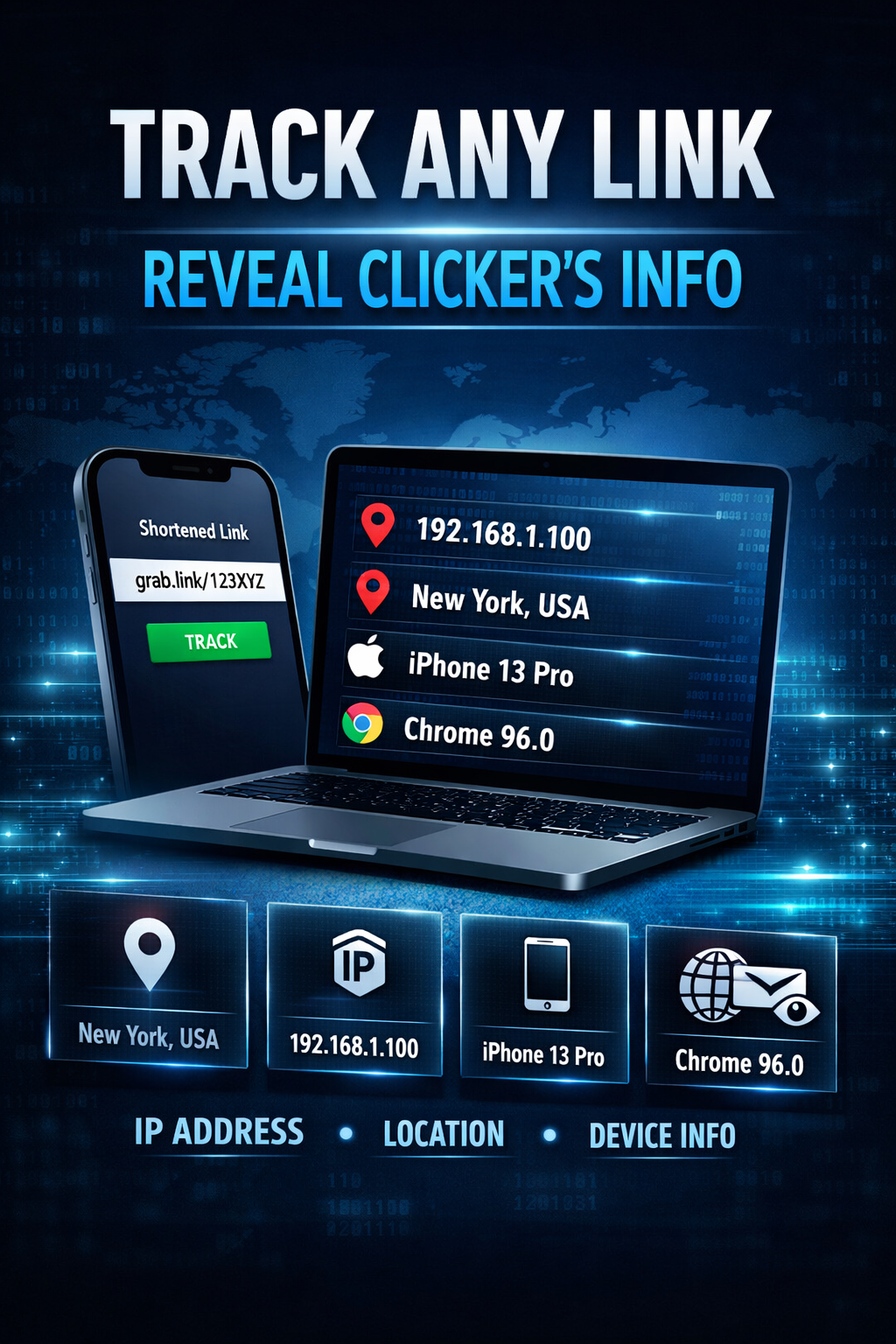
an IP lookup page usually tells you where a visitor seems to be, what network they used, and what kind of device or browser sent the request.
Quick IP lookup box
This demo box gives you a simple starting point. Type an IP address to test the page flow.
What an IP lookup page usually tells you
An IP lookup page is not magic. It normally gives you an estimated location, an ISP or organization name, and some network-level details. It is useful, but it is never perfect.
Location estimate
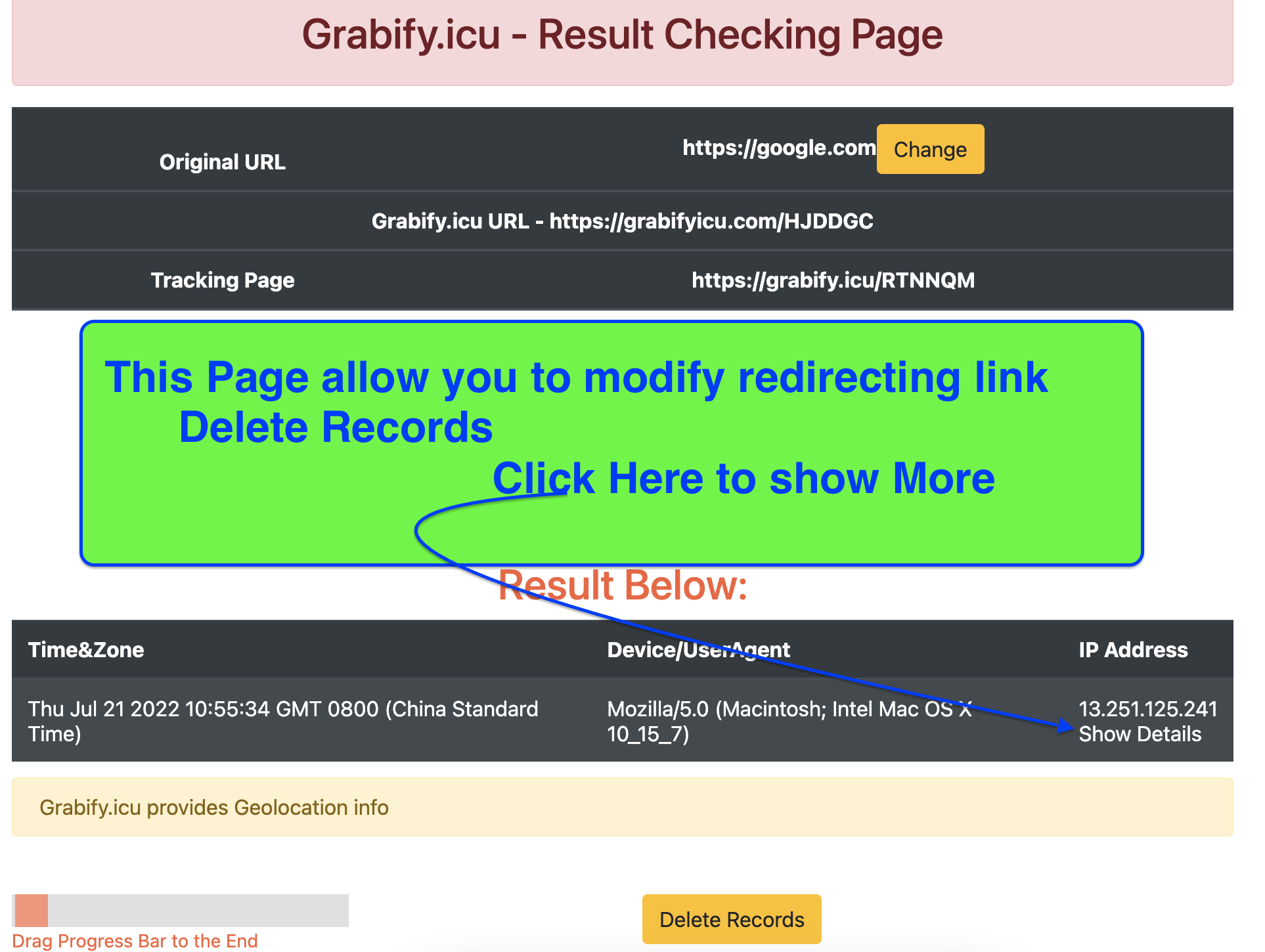
This is often country, region, city, and timezone. Think of it as an estimate, not a precise street address.
ISP or organization
You may see the company or network that owns the IP range, such as a telecom provider, cloud host, or business network.
Context data
Some tools also show browser, device type, user agent, and click time to add more context.
How to read the page without overthinking it
Most users only need four simple checks.
Check the country and region first
This gives you the fastest clue about whether the visit looks expected or unusual.
Look at the ISP or host name
A home ISP feels different from a cloud server, VPN provider, or corporate network. That context matters.
Review the device and browser fields
These details help you decide whether the traffic looks like a real user, a normal mobile visitor, or something more technical.
Read the timing and repeat visits
One click means one thing. Multiple returns, different devices, or repeated visits can tell a different story.
What IP lookup is good for
Traffic review
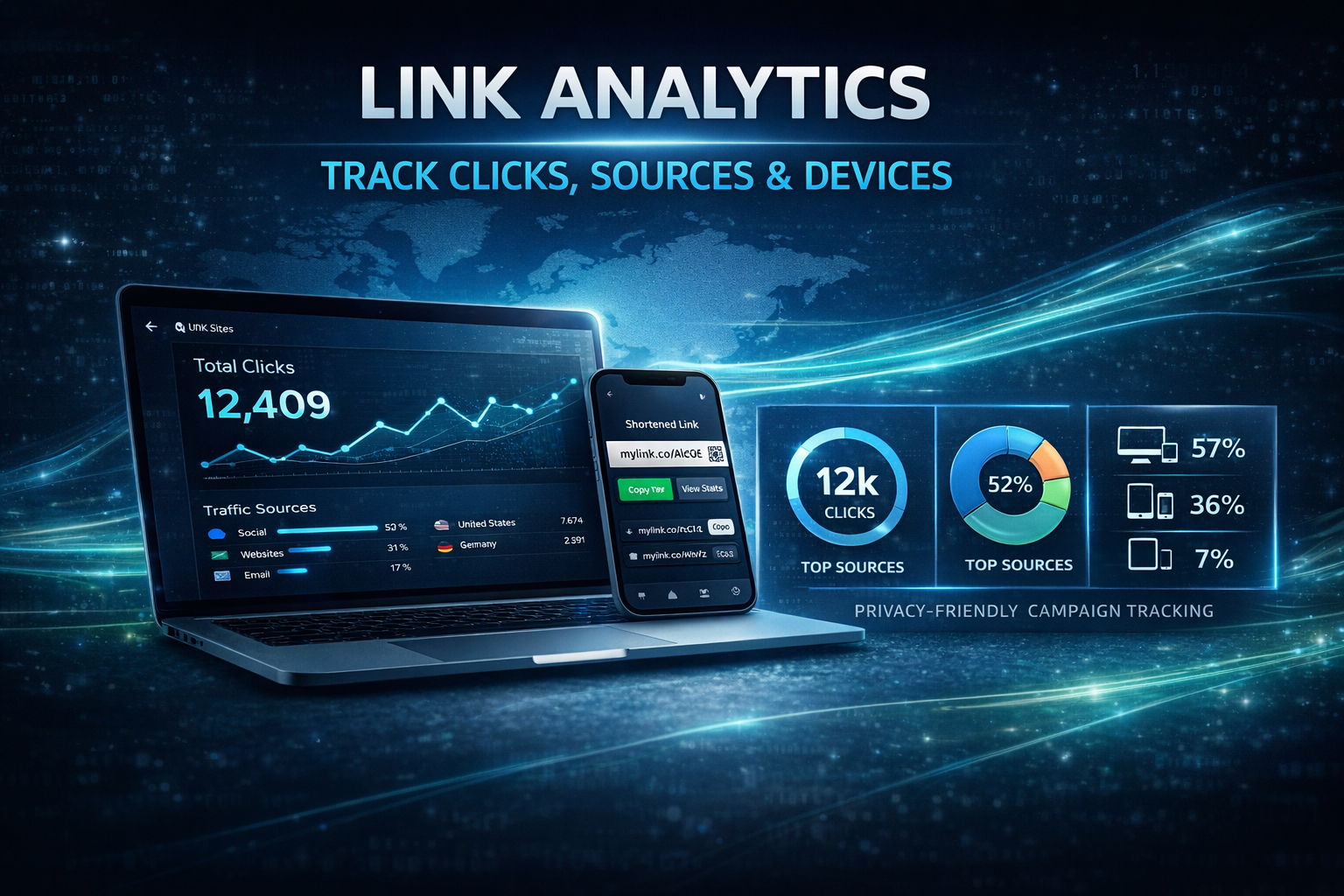
Check whether your clicks come from the regions or networks you expect.
Campaign analysis
Compare traffic sources, return visits, and broad geographic response patterns.
Basic security context
Use location, host, and network clues to spot traffic that feels out of place.
Keep this in mind
- IP geolocation is approximate, not exact.
- Cloud servers and VPNs can blur the real origin.
- One data point is rarely enough on its own.
- The most useful reading comes from combining location, host, device, and timing together.