Advanced link and log workflows
Once you know the basics, the next step is to think in workflows: how URLs and pixels collect signals, how logs are organized, and how teams review clicks in context—not as isolated rows.
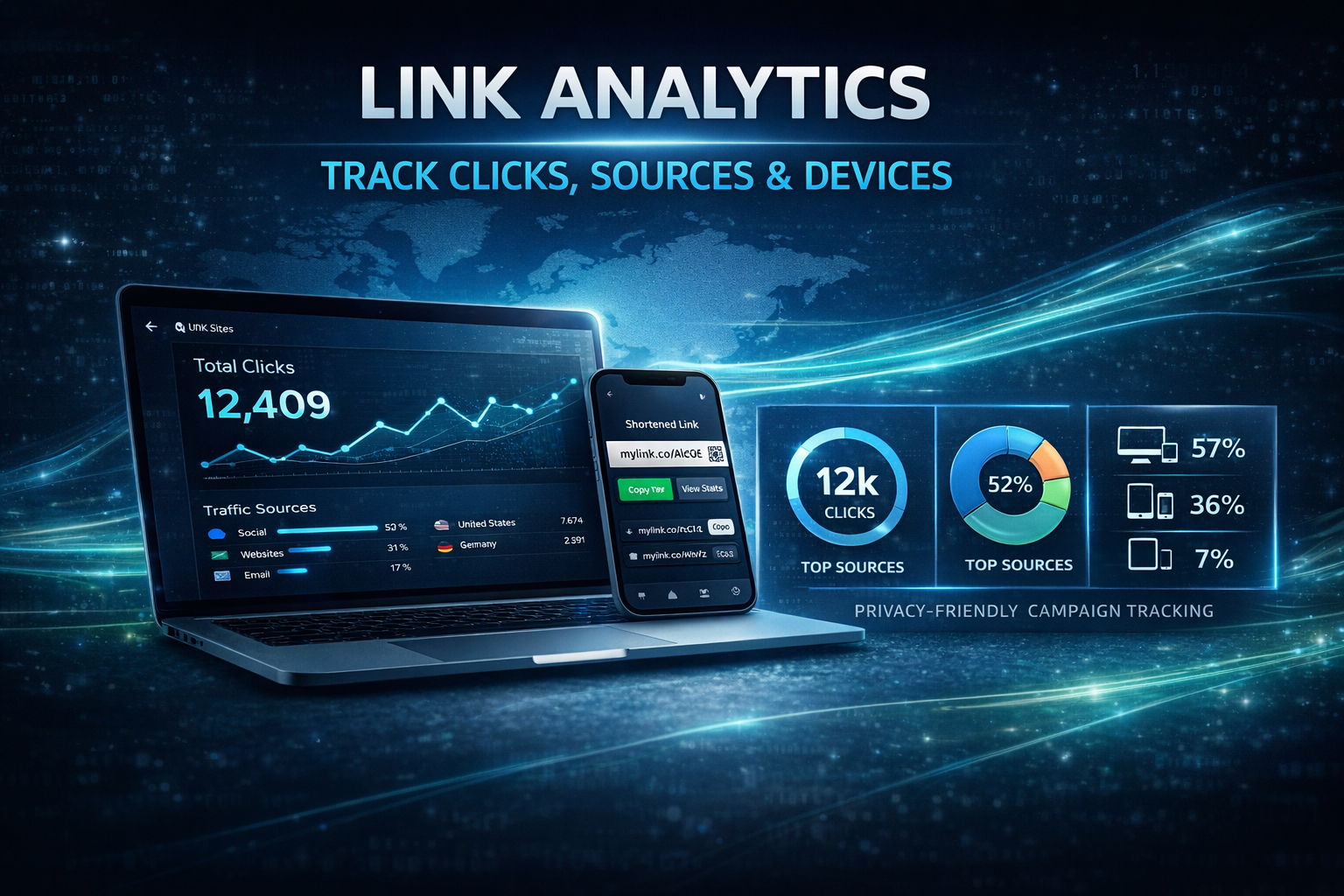
Professional tracking methods
Most production setups combine at least one link-based surface (short URL, redirect, campaign tag) with optional image or pixel surfaces for mail or embed contexts.
URL-based tracking
Short links and redirects let you route traffic through a logging layer before the browser reaches your real destination.
Image-based analytics
Small image requests can record opens when mail clients load remote content—see the email guide.
Log-centric review
Advanced work is often just disciplined log reading: time, device hints, repeats, and campaign labels.
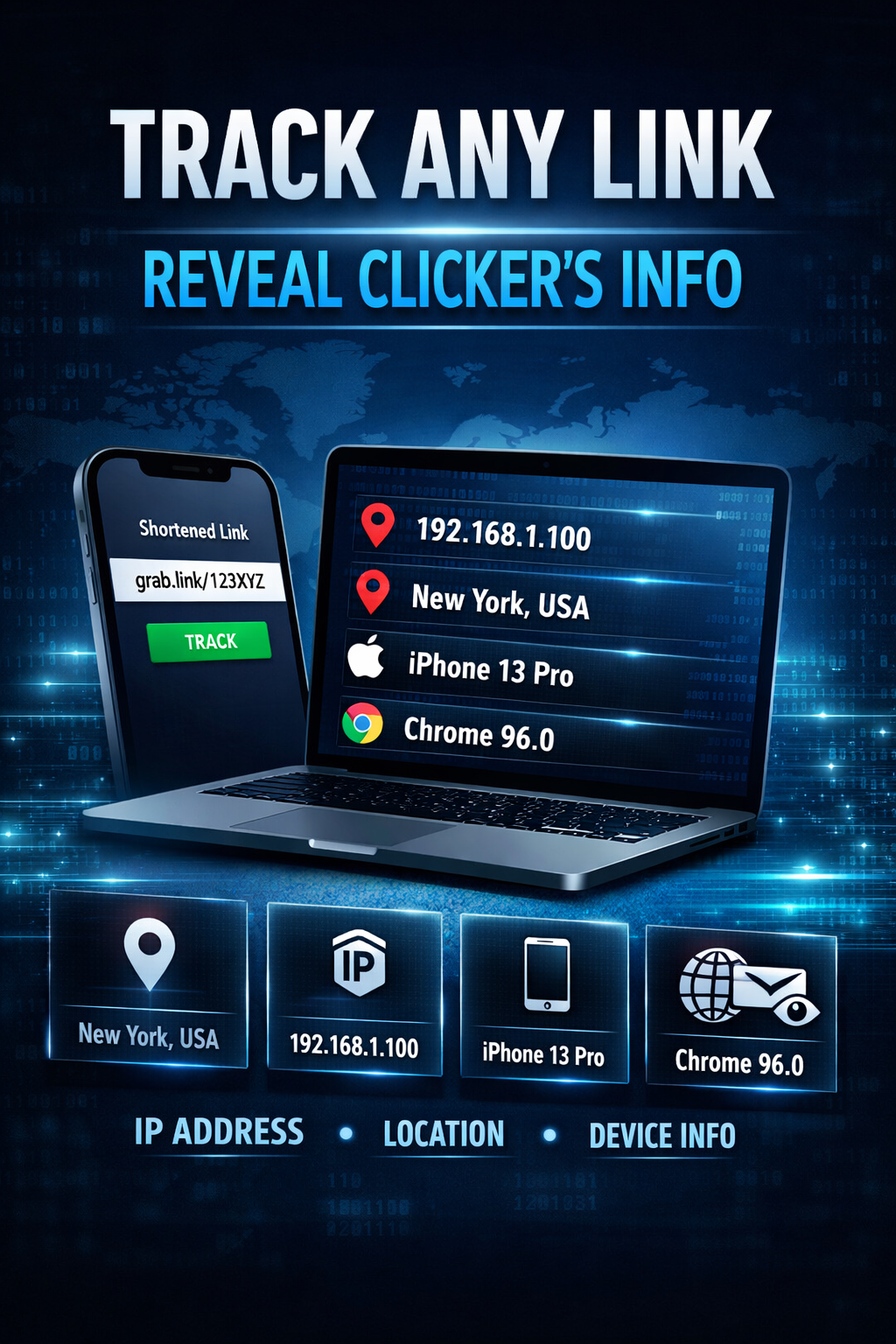
Implementation guide
These steps mirror what many teams do after they finish the basic Grabify workflow.
Platform access and defaults
Confirm you can reach your dashboard, know where codes are stored, and note any account-level defaults (naming, expiry, retention).
URL configuration
Paste the destination URL, generate the tracking link, and record the access credentials your team will use later.
Distribute and monitor
Share through one primary channel first, watch the log fill, then widen distribution once you trust the setup.
Review and export
Group visits by timeframe, export if needed, and feed summaries into your own spreadsheet or ticket system.
Dashboard-style features
Near real-time views
Fresh clicks appear quickly enough for spot checks during a launch or support incident.
Geo and network clues
Country, region, and ISP-style fields help separate home users from datacenter or mobile-carrier traffic.
Device hints
Browser and OS fields are fuzzy but still useful when correlated with timestamps.
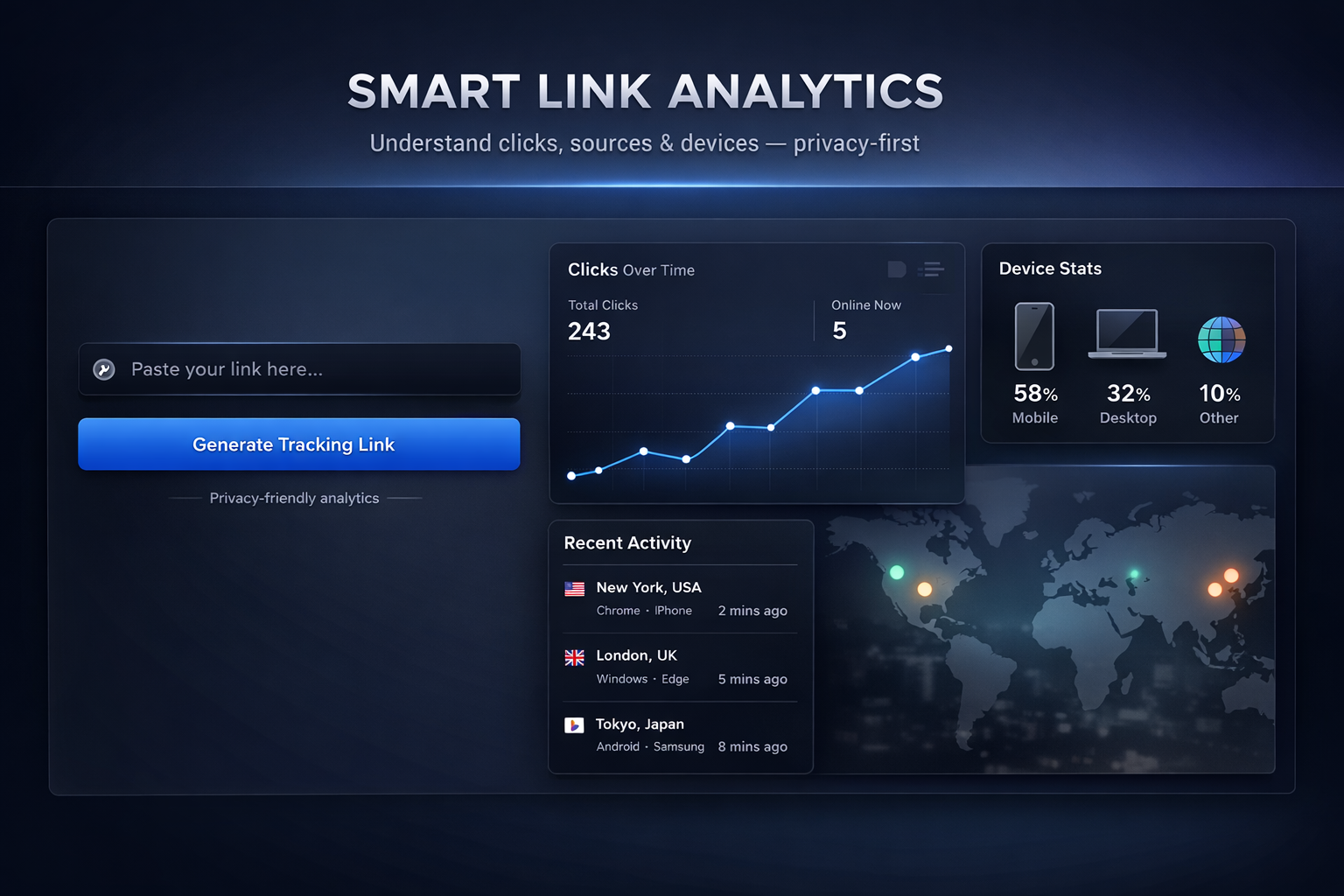
Business applications
Marketing and product: measure launches, compare message variants, and see which regions respond first.
Security and operations: use logs as one signal among many—never the only evidence for high-stakes decisions. Pair with privacy guidance and your legal team.
Integration mindset
Automations differ by product. The pattern is always the same: generate a link or asset, attach metadata you can search later, then pull logs via export or API if your tier supports it.
Illustrative pseudocode only—not a live SDK: