Email tracking works
because images can talk back
This guide explains email tracking in simple language. If you have heard of tracking pixels, invisible images, or open tracking, this page shows what they are, how they work, and what the log usually records.
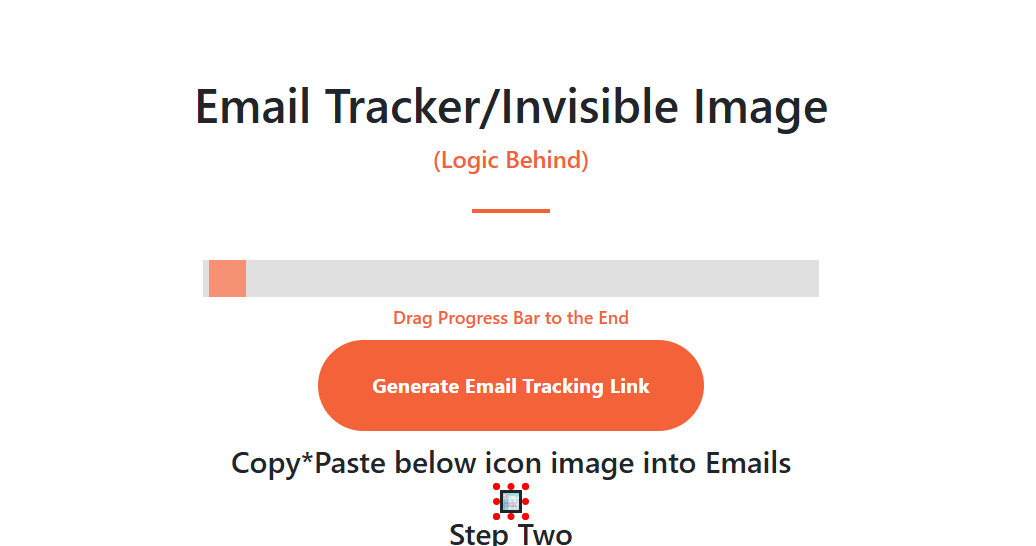
when an email opens and loads a hidden image, the server receives a request and logs that event.
What a tracking pixel actually is
A tracking pixel is usually a very small image request placed inside an email. When the email client loads that image, the server can record that the message was opened. That is why email tracking is often called open tracking.
Open signal
The main goal is simple: detect that the email content was opened and images were loaded.
Server request
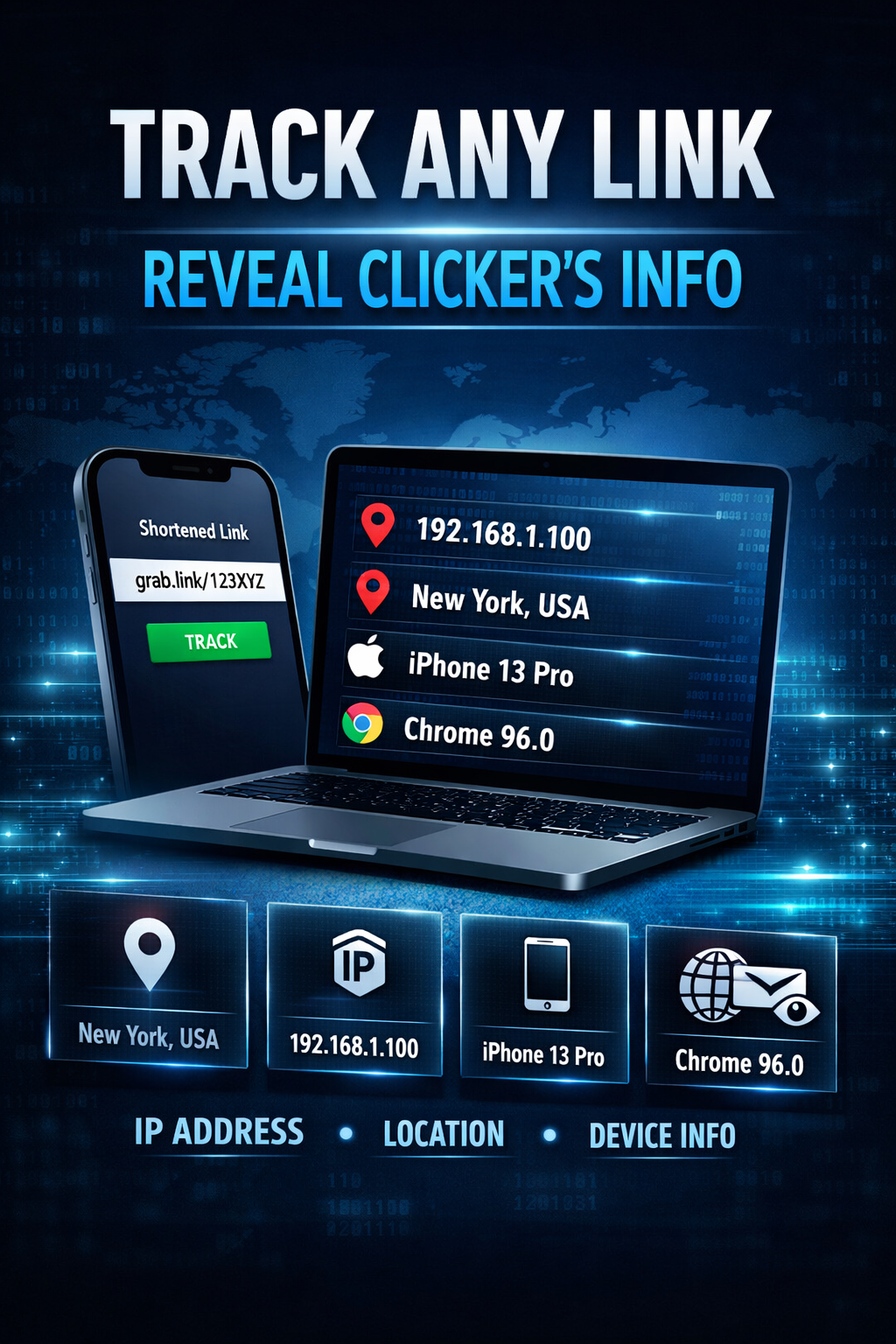
The image request goes back to a server, which can log time, IP-related data, and user agent details.
Campaign context
The tracking result becomes more useful when you connect it to a campaign, sender, or message version.
How the flow works
You can think about it as a short chain of events.
The email is sent
A tiny image request or tracking resource is placed inside the email HTML.
The email is opened
If the recipient’s email client loads images, the hidden asset is requested from the server.
The request is logged
The server can record the open time, IP-related data, user agent string, and other basic request context.
The result appears on your dashboard
You review open activity, click signals, and engagement timing in one place.
What data is usually recorded
Open time
The first useful signal is often the date and time of the image request.
IP-related context
You may see an IP address and an estimated region or country, depending on the setup.
Device and client details
User agent data may reveal browser, email client, operating system, or device type.
Basic technical example
You do not need to be a developer to understand the concept. The idea is simply that an email contains an external image reference.
When the email client loads that image, the tracking endpoint receives the request and logs it.
Where people use email tracking
Email campaigns
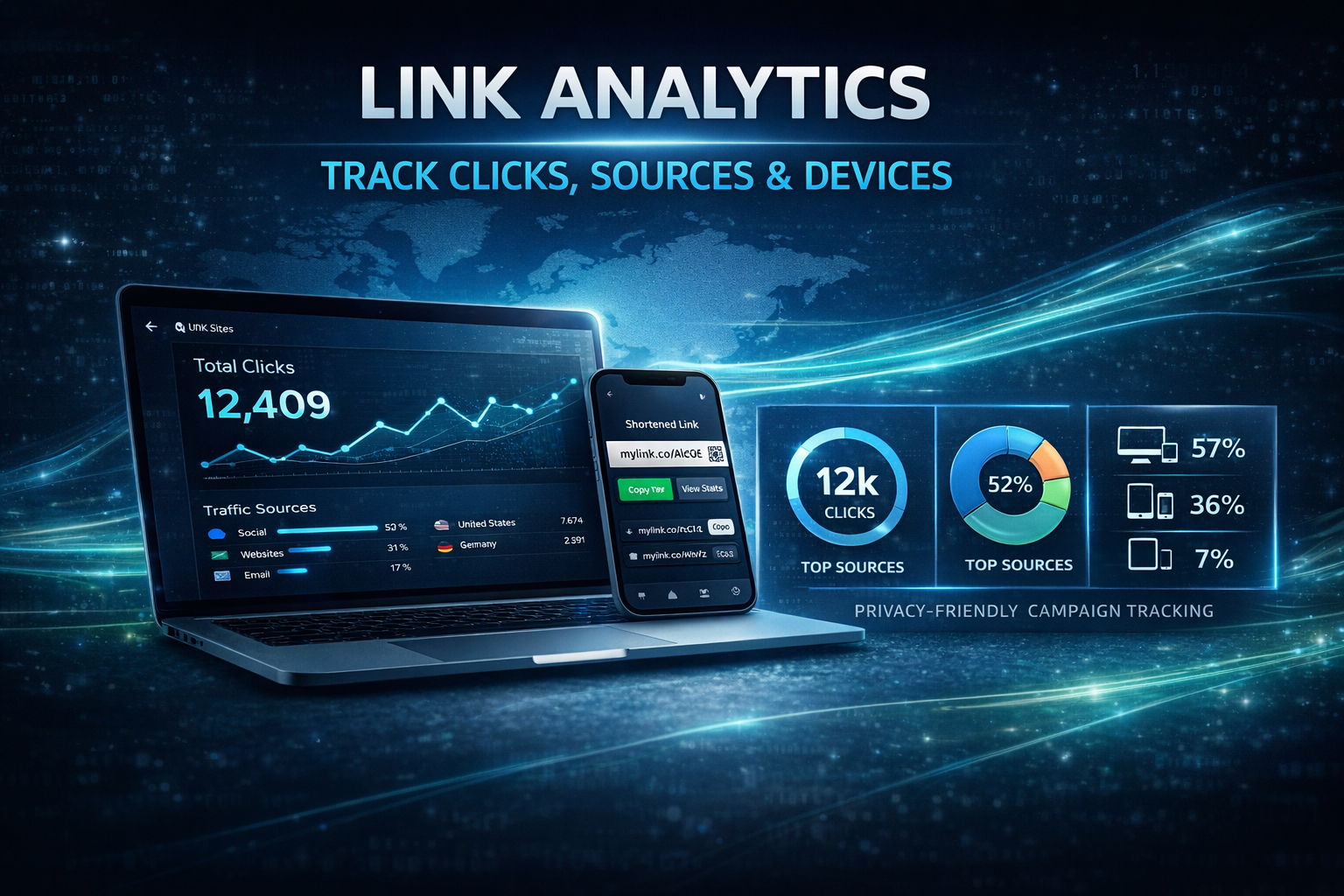
Measure opens, compare subject lines, and review broad engagement timing.
Sales follow-up
Use open activity as one signal for when a message may have been noticed.
Operational monitoring
Check whether a message or alert appears to have been opened.
Important limits
- Not every email client loads images automatically.
- An open signal is helpful, but it does not tell the whole story.
- Some privacy tools can block or distort image-based tracking.
- The most useful view combines opens, clicks, and campaign context together.