IP tools: what they show—and what they do not prove
“IP grabber” is slang people use for anything that records a visitor’s public IP when they request a link, image, or page. This guide is for learning: legitimate analytics, honest disclosure, and limits of the data.
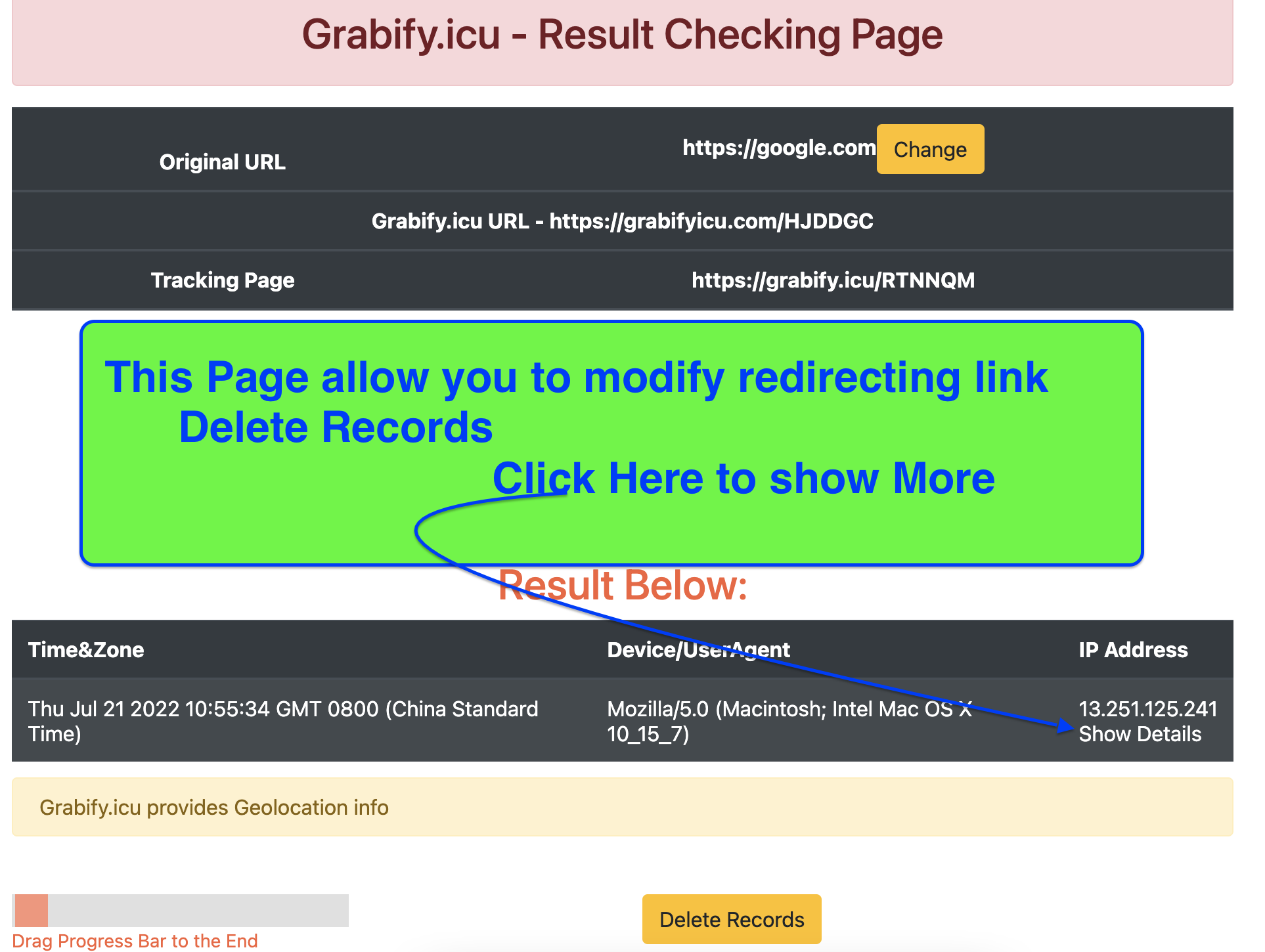
What “IP tools” usually do
Most tools in this category log a public IP address and a handful of request headers (browser string, rough geo from databases, timestamps). They do not magically reveal exact street addresses, real names, or private messages.
Request path
Someone clicks or loads an asset → your server or provider sees the request → a row appears in a log.
Shared IPs
Mobile carriers, coffee-shop Wi‑Fi, and VPNs can put many people behind one address.
One signal
Treat IPs as one clue. Combine with consent records, account data, or ticket history when making business decisions.
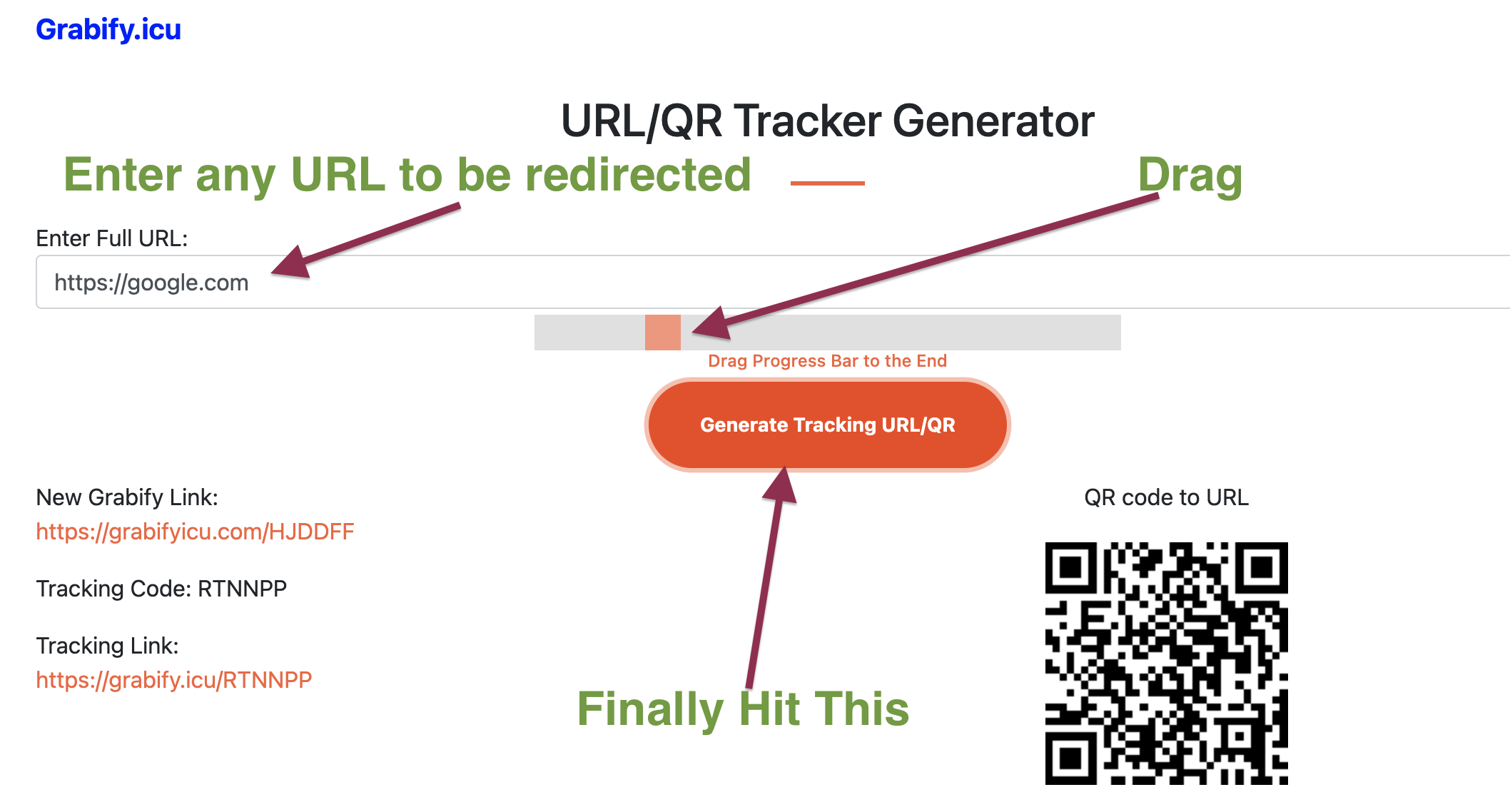
Legitimate use cases
Marketing and growth
Measuring which regions click campaign links, after recipients know links are tracked, matches how many newsletter tools work.
Support and fraud review
Correlating a suspicious login alert with recent IP changes can speed triage—inside systems you own or where you have a contract.
Education
Labs and classrooms use benign demos so students see how HTTP requests expose metadata—paired with ethics discussion.
Reading results without over-interpreting
When you open a log row or an IP lookup card, prioritize:
- Time—clusters vs one-off hits.
- Network type—residential, mobile, datacenter/VPN hints from databases.
- User-agent—broad device family, not a fingerprint warrant.
For how to read lookup pages calmly, see the IP lookup guide.
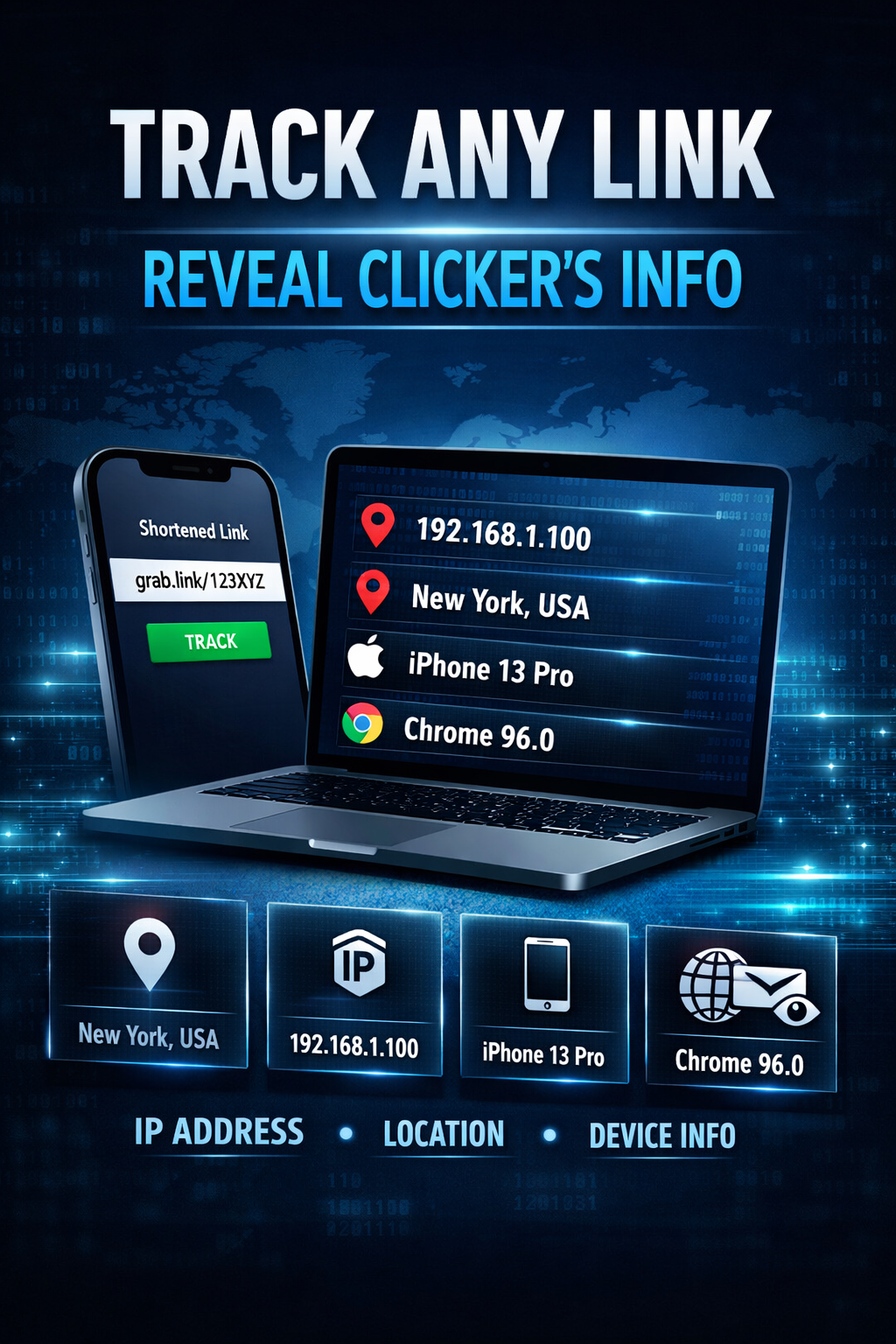
Browser, mobile, and VPN effects
Mobile networks
Addresses may rotate often; the same person can look like several rows.
VPN / proxy
You are often seeing the exit node country, not someone’s home city.
Mail clients
Some pre-fetch images; others block remote content. See email tracking.